Expense tracking
without the busywork.
Snap a receipt and Expensive captures, categorizes and reconciles it in seconds — so the numbers are ready before anyone asks for them.
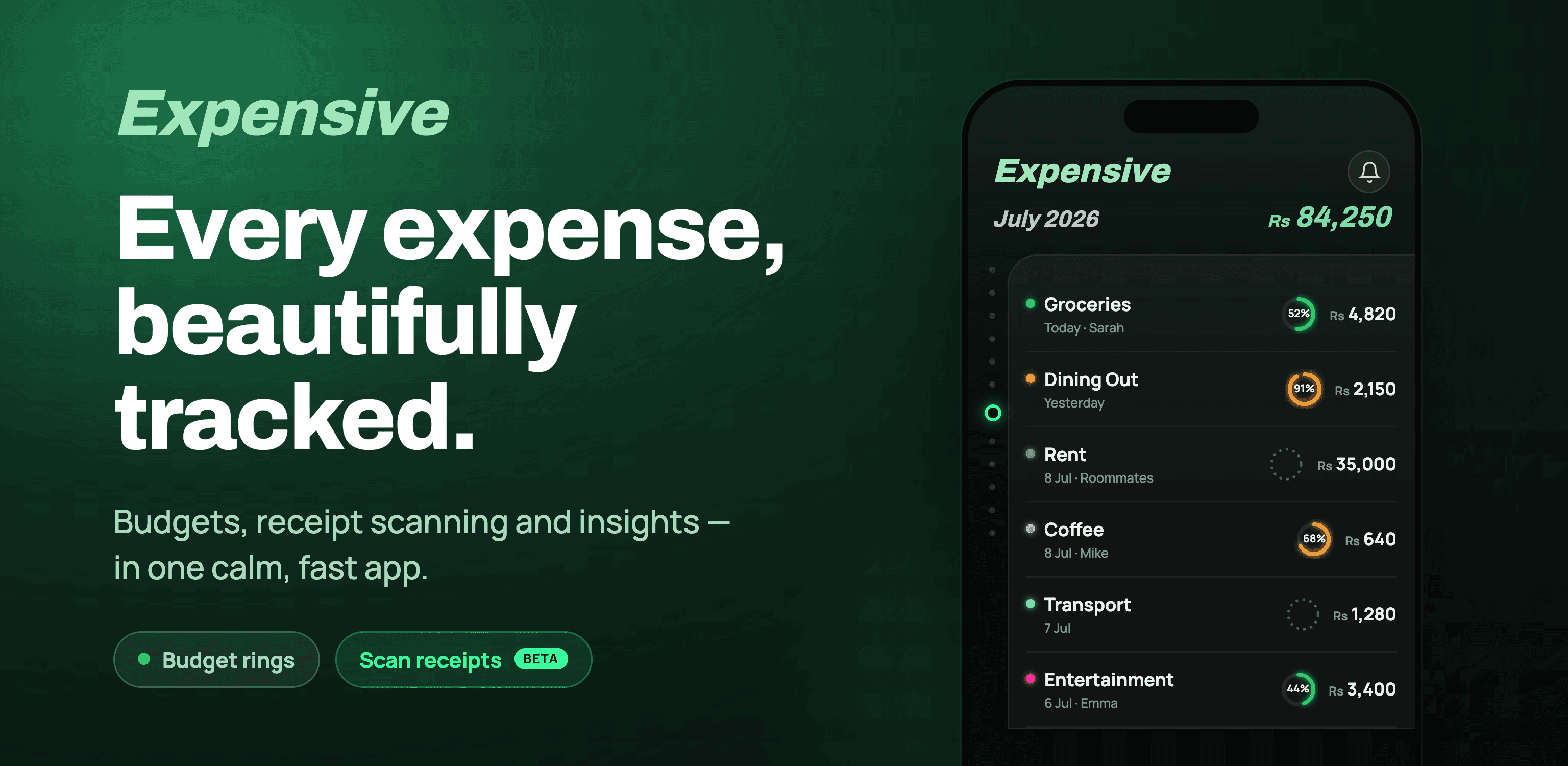
Built to make
expenses disappear.
Snap & capture
Photograph a receipt and OCR pulls the merchant, amount, tax and date automatically — no typing.
Smart categories
Expenses sort themselves into the right categories and learn your team's patterns over time.
One-tap reconcile
Match transactions to card feeds and close the books without the month-end scramble.
Approvals that move
Route expenses to the right approver with policy checks built in — approve from your phone.
Real-time reporting
See spend by team, project or category as it happens, not weeks later.
Exports everywhere
Push clean data to your accounting stack — Xero, QuickBooks, or a custom ledger.
From receipt to reconciled in three steps.
1. Capture. Snap, forward an email, or sync a card — every expense lands in one place.
2. Review. Expensive pre-fills the details and flags anything outside policy.
3. Reconcile. Approve, match and export — the books close themselves.
See Expensive
on your numbers.
Book a 20-minute demo and we'll show you your own expense flow, reimagined.
Book a demo →Your data stays yours — read the Expensive privacy policy.